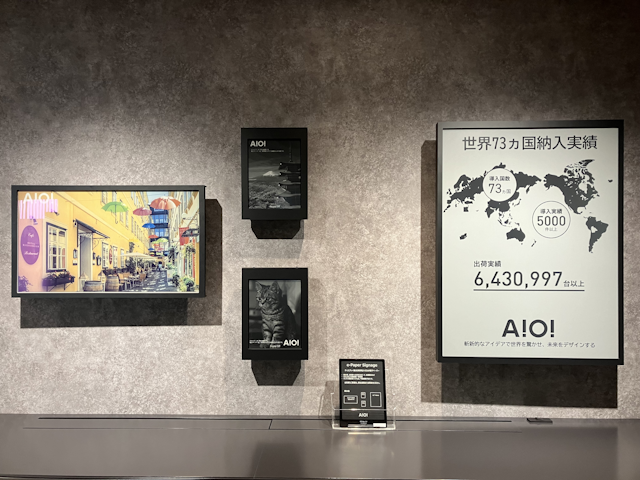
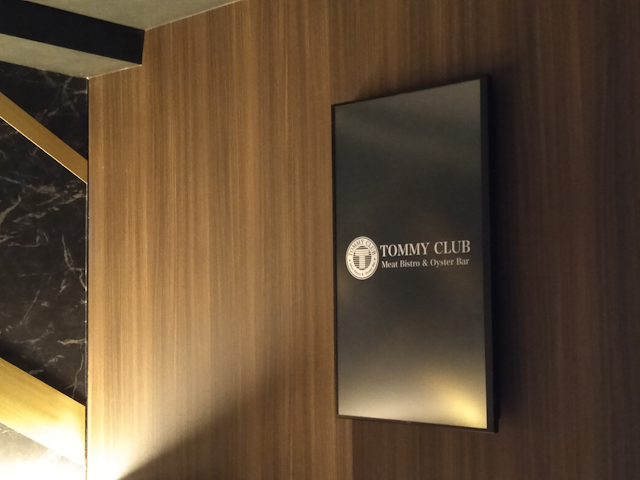
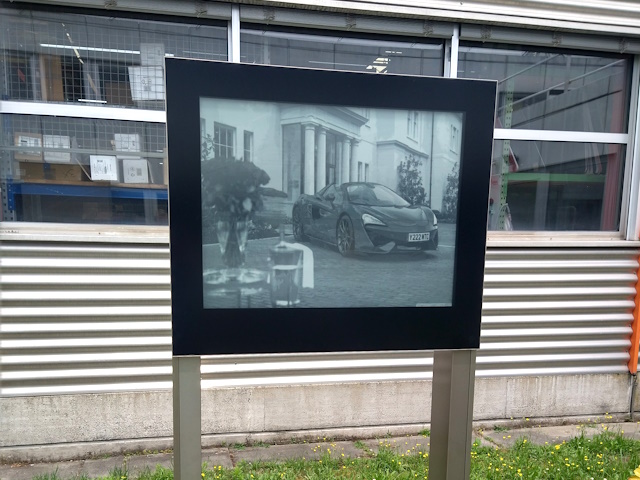
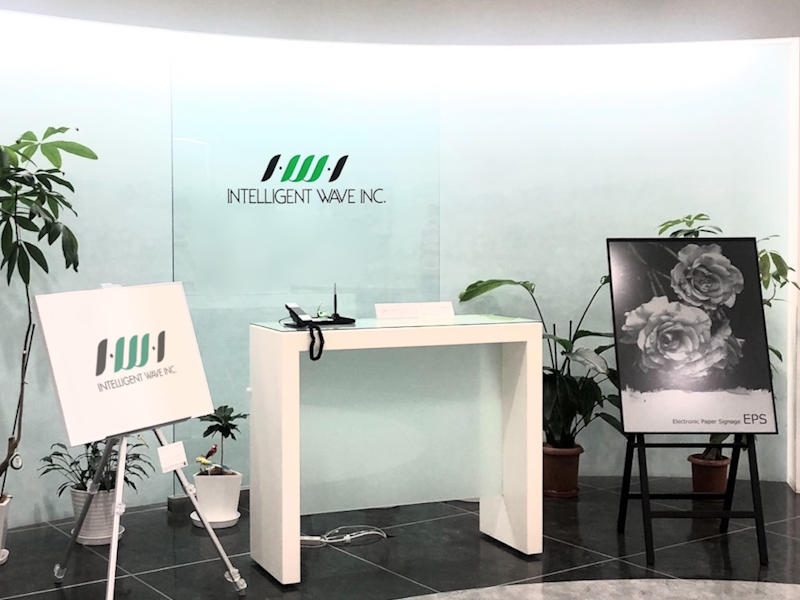
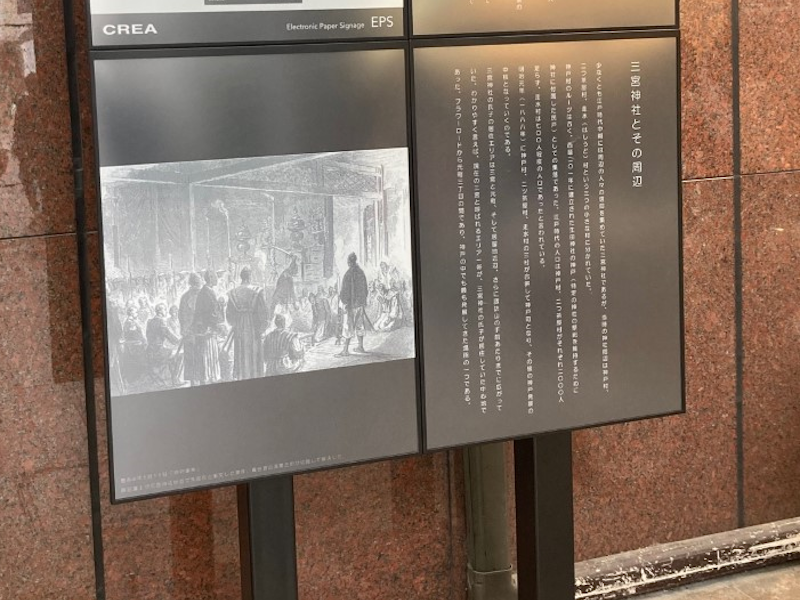
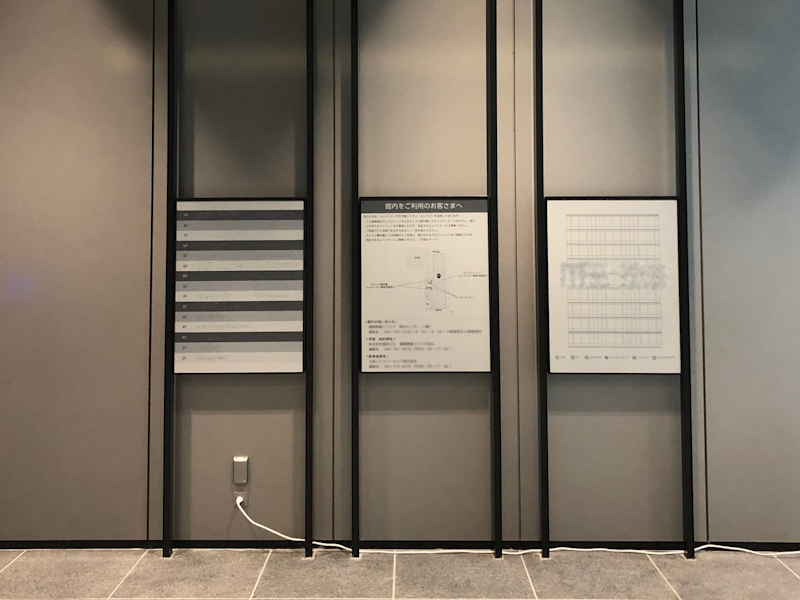
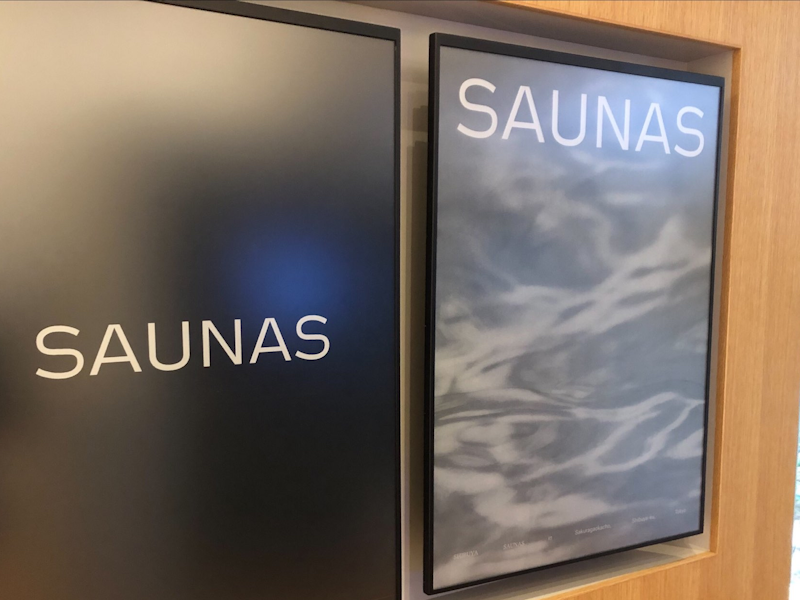
ePaper is a display device that looks like paper, with 180-degree wide visibility and a reflective panel that is clearly visible even in sunlight.
After the display has been rewritten, the display remains on even when the power is turned off, so it is energy efficient compared to LCD monitors.
Additionally, since it does not need a backlight, it reduces the strain on the eyes even when viewed for long periods of time.
CREA has developed ePaper signage “EPS” that takes advantage of the characteristics of ePaper and has the necessary functions pre-installed.
We have large monochrome 42-inch and 32-inch sizes of “EPS” that are perfect for conveying text information.
In addition, we will prepare color ePaper signage using the latest technology, and are expanding our lineup so that it can be used in a variety of scene.
A 1:
LEDs emit light by themselves, and LCDs require an LED backlight, which generates heat and causes screen burn-in if left on for a long time.
ePaper is a display that is safe and easy on the eyes because the screen itself does not emit light, but is visible through the reflection of light.
In addition, it does not consume electricity except when rewriting the display, and the display remains on even when the power is turned off.
A 2:
“EPS” is a product designed for indoor use. If used outdoors, a waterproof and dustproof case is required. There are also many examples of outdoor use. For more information, please contact us through Contact form.
A 4:
There are VESA standard screw holes on the back of “EPS”, so it can be attached to a display stand or wall-mounted display bracket that supports the VESA standard.
Please check the VESA standard size listed in the specification table of each product.
A 5:
It varies slightly depending on the size of the “EPS”, but it consumes about 2W while displaying the screen, and 6 to 10W only when updating the display.
A 6:
“EPS” is equipped with a wired LAN port (RJ-45).
Wireless connection is possible by your preparing a wireless repeater or LTE repeater and connecting to the repeater from the wired LAN port of “EPS”.
A 7:
Display content can be created using graphic creation apps such as Adobe’s Illustrator and Photoshop.
Additionally, if you do not have any graphics apps, you can easily create display content using PowerPoint templates that match the aspect ratio for each “EPS”.
The template file can be downloaded for free from “EPS User Support” after user registration.
A10:
Display is possible if you connect the STB to HDMI, but the ePaper display cannot keep up with the updates and still images appear to be displayed continuously.
ePaper is not suitable for displaying videos, so please use it for displaying still images.
A11:
ePaper does not deteriorate over time like LEDs and LCDs.
ePaper is designed so that the black and white dynamic range does not drop below 50% when the screen is updated 10 million times in a row.
Additionally, by performing a “refresh” process on ePaper, the dynamic range will be restored and the display contrast will return to its original state.
A12:
We do not have rental or leasing services, but we can introduce you to retailers that can provide these services.
For more information, please contact us through Contact form.
A14:
If we have it in stock, we can ship it within one week after placing your order.
For detailed delivery dates, please contact us through Contact form.
A16:
Yes. CREA has obtained Tender qualification for all Japanese ministry and agency.
We use cookies to ensure that we give you the best experience on our website. If you continue to use this site we will assume that you are happy with it.
 CREA co.,ltd.